
Monitors
Showing 13–23 of 23 results
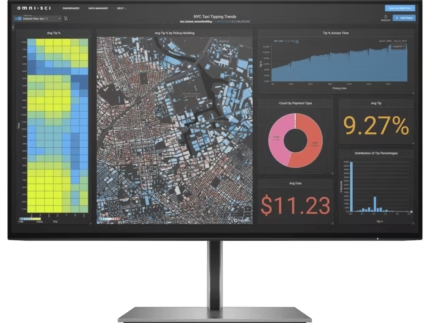
HP Z24f G3 60.45 cm (23.8) FHD Display
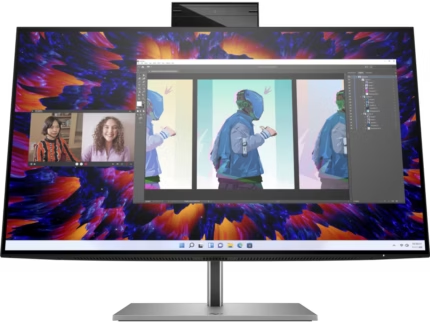
HP Z24m G3 QHD Conferencing Display
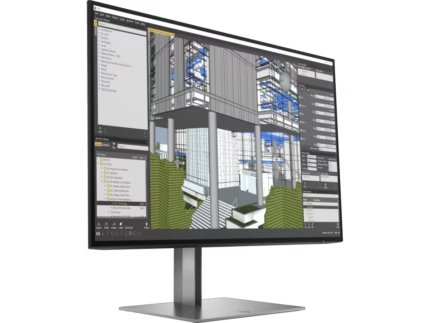
HP Z24n G3 24 inch WUXGA Monitor
- 24" WUXGA (1920 x 1200 @ 60 Hz)
- Flat IPS with Edge-lit
- 1 DisplayPort™ 1.2-out, 1 HDMI 1.4, 1 DisplayPort™ 1.2-in, 1 USB Type B (upstream), 4 SuperSpeed USB Type-A 5Gbps signaling rate (2 with Battery charging 1.2)
- Tilt and Height Adjustable, Pivot, Swivel Stand, VESA Mountable
- Language selection, On-screen controls, Anti-glare
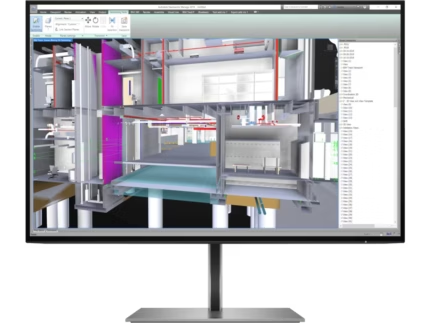
HP Z24u G3 WUXGA USB-C Display
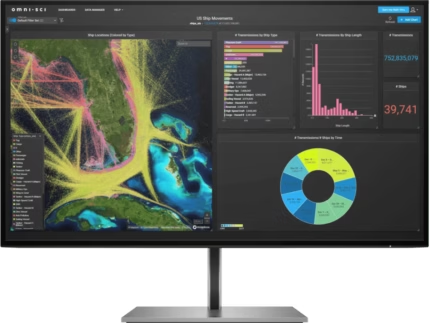
HP Z27k G3 68.6 cm (27) 4K UHD USB-C Monitor
- 68.6 cm (27) 4K UHD (3840 x 2160 @ 60 Hz)
- Flat IPS with Edge-lit
- 1 HDMI 2.0, 4 USB-A 3.2 Gen 1, 1 USB Type-C™, 1 DisplayPort™ 1.4-in, 1 DisplayPort™ 1.4-out
- Tilt and Height Adjustable, Pivot, Swivel Stand
- Language selection, On-screen controls, Pivot rotation, Anti-glare, Height adjustable
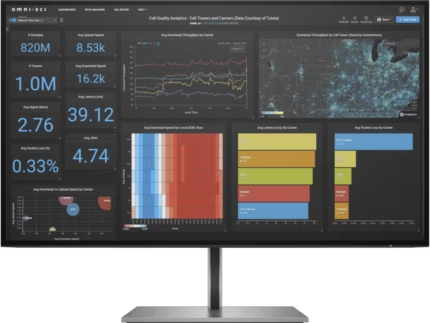
HP Z27q G3 27 inch QHD Monitor
- 27" QHD (2560 x 1440 @ 60 Hz)
- Flat IPS Edge-lit
- 1 HDMI 2.0, 1 DisplayPort™ 1.4-in, 1 DisplayPort™ 1.4-out, 1 USB Type B (upstream), 4 SuperSpeed USB Type-A 5Gbps signaling rate (2 with Battery charging 1.2)
- Tilt and Height Adjustable, Pivot, Swivel Stand, VESA Mountable
- Language selection, On-screen controls, Anti-glare
HP Z27q G3 27 inch QHD Monitor
- 27" QHD (2560 x 1440 @ 60 Hz)
- Flat IPS Edge-lit
- 1 HDMI 2.0, 1 DisplayPort™ 1.4-in, 1 DisplayPort™ 1.4-out, 1 USB Type B (upstream), 4 SuperSpeed USB Type-A 5Gbps signaling rate (2 with Battery charging 1.2)
- Tilt and Height Adjustable, Pivot, Swivel Stand, VESA Mountable
- Language selection, On-screen controls, Anti-glare
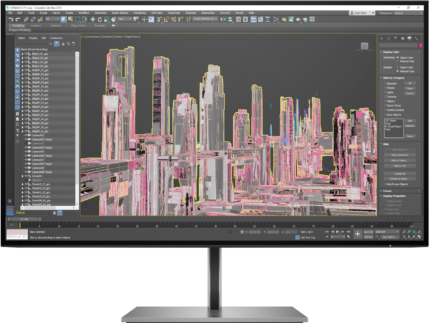
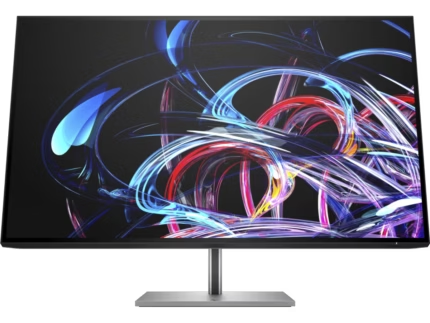
HP Z32k G3 4K USB-C Display
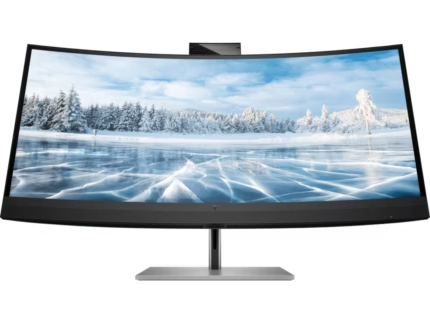
HP Z34c G3 34 inch WQHD Curved USB-C Monitor
- 34" WQHD (3440 x 1440 @ 60 Hz)
- 1900R IPS with Edge-lit
- 1 HDMI 2.0, DisplayPort™ 1.2, USB Type C®
- Tilt and Height Adjustable, Swivel Stand
- Height adjustable, Integrated speakers, Curved display, Webcam, HP Eye Ease
- Adjustable Stand, Curved Display, IPS Panel, Integrated Speakers, USB-C™ Power Delivery, VESA mountable, Webcam, Windows Hello compatible
Online store of household appliances and electronics
Then the question arises: where’s the content? Not there yet? That’s not so bad, there’s dummy copy to the rescue. But worse, what if the fish doesn’t fit in the can, the foot’s to big for the boot? Or to small? To short sentences, to many headings, images too large for the proposed design, or too small, or they fit in but it looks iffy for reasons.
A client that’s unhappy for a reason is a problem, a client that’s unhappy though he or her can’t quite put a finger on it is worse. Chances are there wasn’t collaboration, communication, and checkpoints, there wasn’t a process agreed upon or specified with the granularity required. It’s content strategy gone awry right from the start. If that’s what you think how bout the other way around? How can you evaluate content without design? No typography, no colors, no layout, no styles, all those things that convey the important signals that go beyond the mere textual, hierarchies of information, weight, emphasis, oblique stresses, priorities, all those subtle cues that also have visual and emotional appeal to the reader.
